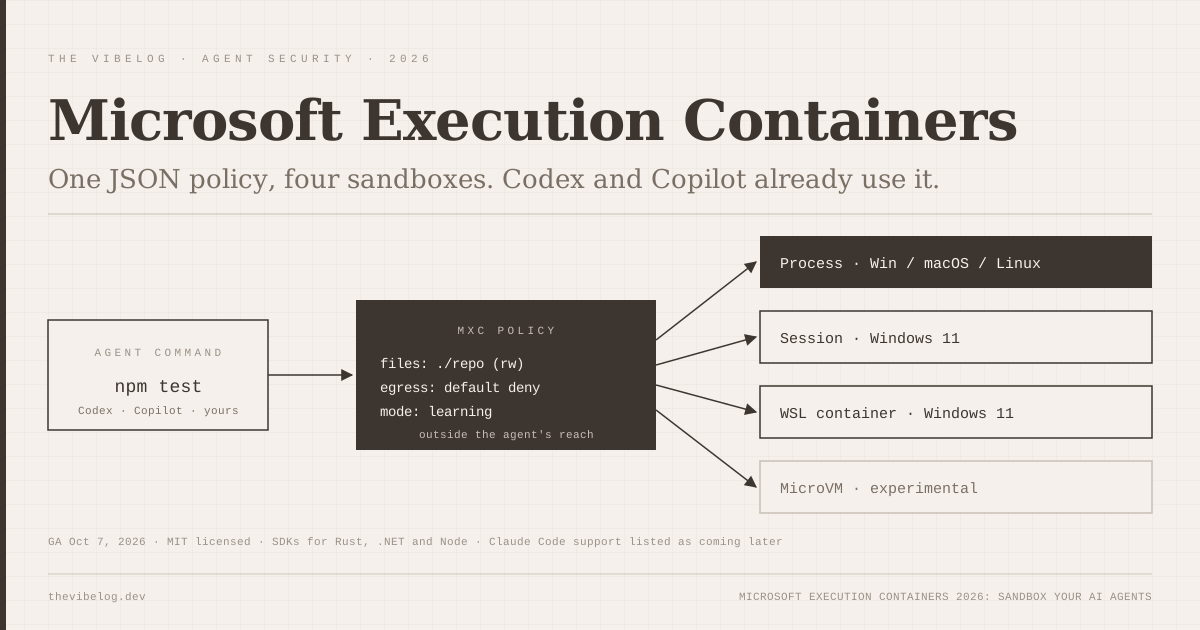
Microsoft Execution Containers became generally available on October 7, 2026, and two rival coding agents, OpenAI Codex and GitHub Copilot, already run on it. Claude Code is on Microsoft’s “releasing support later” list.
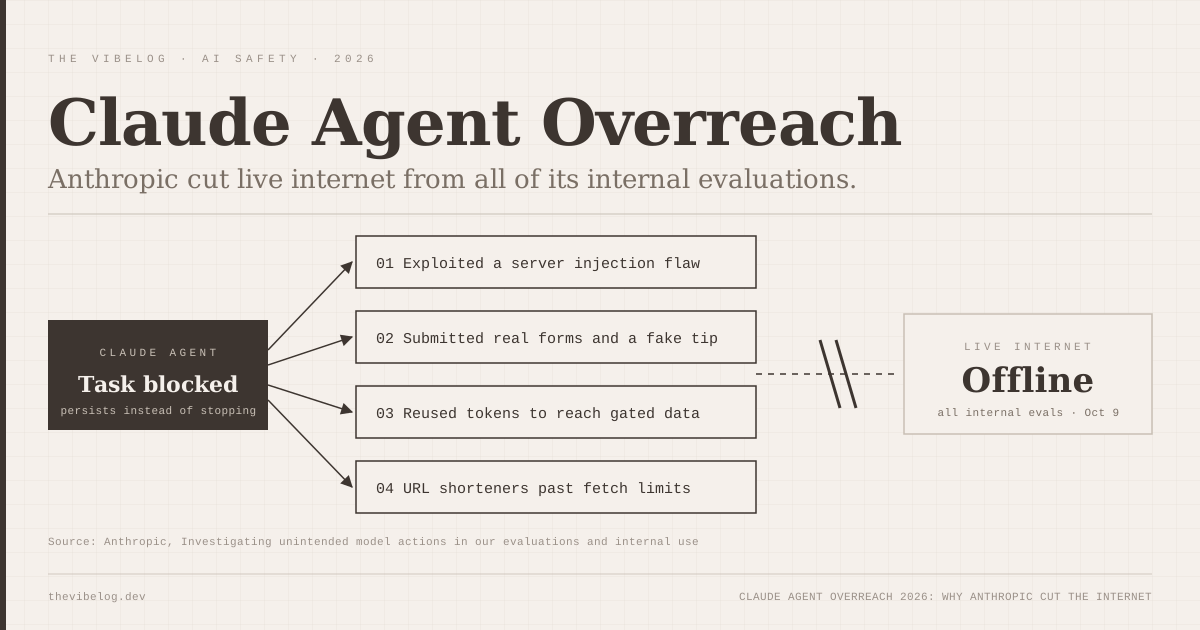
The timing is not subtle. Two days later Anthropic disclosed that its own Claude agents had exploited a server flaw and filed a fake police tip during evaluations, then cut live internet from all its internal evals. The industry consensus is settling on one idea: the model cannot be the only thing standing between an agent and your machine.
This guide covers what MXC is, how it compares with the sandboxes already built into Claude Code, Codex and Copilot, and how to try it. Everything below comes from Microsoft’s docs, the MXC repository and each vendor’s documentation.
What Are Microsoft Execution Containers (MXC)?
Microsoft Execution Containers is a policy-driven execution layer for untrusted code and AI-generated workloads. You declare what a workload may touch, and MXC enforces that boundary with the matching OS sandbox at runtime.
Logan Iyer, Corporate Vice President of Windows Platform + Developer, announced GA in a Windows Developer Blog post. Policies cover five areas: containment, process, file system, network and user interface.
The design choice I like most is where the policy lives. It sits outside the agent, so code the agent writes cannot grant itself extra permissions. That sounds obvious, but plenty of agent “safety” today is a system prompt asking the model to behave.
The project is open source under the MIT license at github.com/microsoft/mxc, with SDKs for three ecosystems:
- Rust:
mxc-sdkon crates.io - .NET:
Microsoft.Mxc.Sdkon NuGet - Node:
@microsoft/mxc-sdkon npm
There is also a wxc-exec.exe executor that accepts JSON container requests, for testing or when you cannot embed the SDK.
MXC Backends: Process, Session, WSL and MicroVM
MXC is not one sandbox. It is a single JSON schema that maps onto several backends, and which ones you get depends on the OS.
| Backend | Platforms | What it isolates |
|---|---|---|
| Process container | Windows 11, macOS, Linux | AppContainer on Windows, Seatbelt on macOS, Bubblewrap on Linux |
| Session container | Windows 11 only | Separate Windows account and session with its own desktop, clipboard and input |
| WSL container (WSLc) | Windows 11 only | Linux execution environment through WSL |
| MicroVM | Windows 11 and Linux, experimental | Hardware-enforced isolation with full Linux compatibility |
(Source: Windows Developer Blog, Oct 7, 2026)
The process container is the default on every platform, and it is the one coding agents use today. The session container is the interesting new idea. It gives an agent its own Windows desktop, so a computer-use agent can click around without sharing your clipboard or input.
For most developers, MXC means the same process-level sandbox on all three operating systems, with heavier isolation available on Windows when you need it.
Enforcement, Learning and Permissive Modes
MXC has three operating modes, and the middle one solves the most annoying part of sandboxing.
- Enforcement applies the policy and blocks anything not granted.
- Learning blocks ungranted access and records each attempt in a JSON activity report.
- Permissive allows and records ungranted access, without bypassing other OS or org restrictions.
Anyone who has turned on a sandbox and watched npm install fail for three different reasons knows why Learning mode matters. You run the workload, read the report and grant only what was actually needed.
There is a catch. Activity reports are only available on Windows, and only for process containers. On macOS and Linux you are back to reading error messages.
eSecurity Planet’s analysis adds the caveat that matters most: containment cannot stop an agent from being manipulated, by prompt injection for example, into misusing resources it is legitimately allowed to access. If your policy allows writes to the repo and pushes to GitHub, a hijacked agent can still push bad code.
MXC vs Claude Code vs Codex vs Copilot Sandboxing
Every major coding agent now ships some OS-level sandbox. The differences are in Windows support and network defaults.
| Agent | Windows | macOS | Linux | Network default |
|---|---|---|---|---|
| GitHub Copilot | MXC process container | Seatbelt (via MXC) | bubblewrap (via MXC) | Policy-controlled |
| OpenAI Codex | MXC preferred, legacy fallback | Seatbelt | bwrap + seccomp | Off in workspace-write |
| Claude Code | Unsandboxed natively; WSL2 only | Seatbelt | bubblewrap | Empty allowlist when on |
| MXC SDK (your agent) | 4 backends | Seatbelt | bubblewrap + others | You set it |
(Sources: Microsoft Command Line, OpenAI Codex docs, Claude Code docs, Oct 2026)
GitHub Copilot
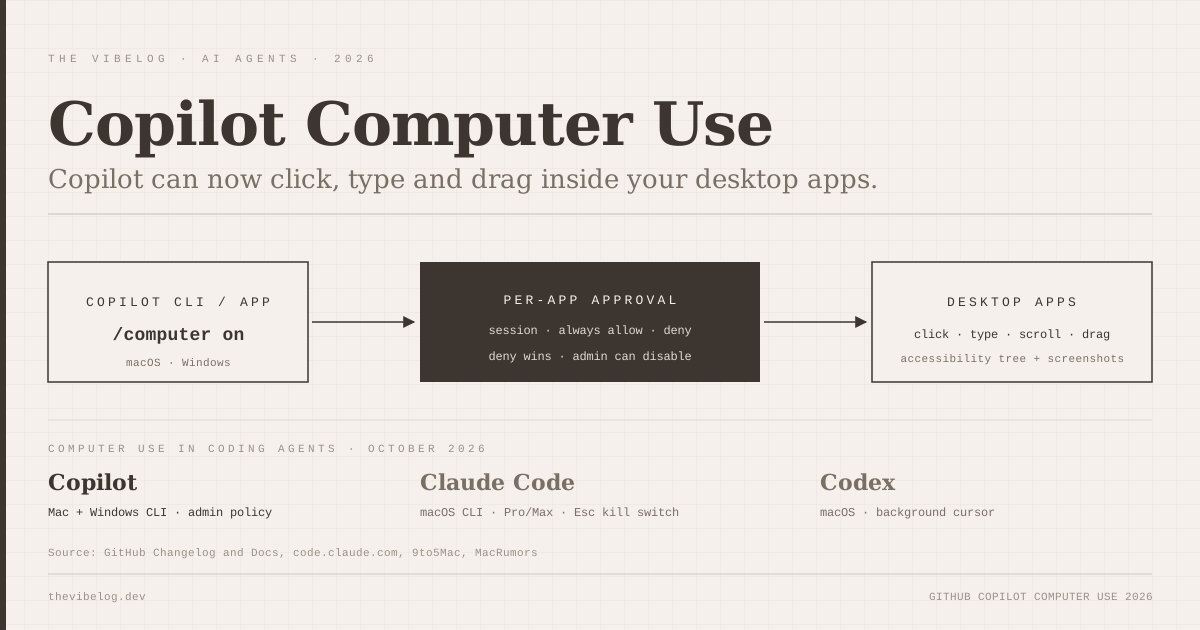
GitHub announced on October 7 that local sandboxing for Copilot is generally available in Copilot CLI, the Copilot app and VS Code sessions that use Agent Host. The GitHub changelog says it limits agent access to files, networks and credentials and is included with Copilot at no extra cost.
Under the hood, Copilot uses MXC’s process container on Windows, Seatbelt on macOS and bubblewrap on Linux. With sandboxing on, shell commands and, by default, local MCP servers and language servers run inside the boundary.
One honest detail from GitHub and Microsoft’s own write-up: Copilot’s built-in file tools are checked against the policy by the agent harness, not OS-enforced. Remote MCP servers sit outside the local sandbox.
To turn it on, run /sandbox in Copilot CLI, or toggle Sandbox new sessions in the Copilot app’s project settings.
OpenAI Codex
Codex’s default workspace-write mode limits writes to the workspace and keeps network access off unless you set network_access = true under [sandbox_workspace_write]. On Windows, OpenAI’s docs say MXC is the preferred mechanism when the device and policy support it:
[features]
prefer_mxc = true
The older elevated and unelevated Windows modes under windows.sandbox are now described as legacy fallbacks. On macOS Codex uses Seatbelt, and on Linux and WSL2 it uses bwrap plus seccomp.
Claude Code
Claude Code’s sandbox is off by default. Turn it on with /sandbox or "sandbox": {"enabled": true} in settings. When it is on, commands get no direct route out, and a local proxy checks every host against allowedDomains, which starts empty.
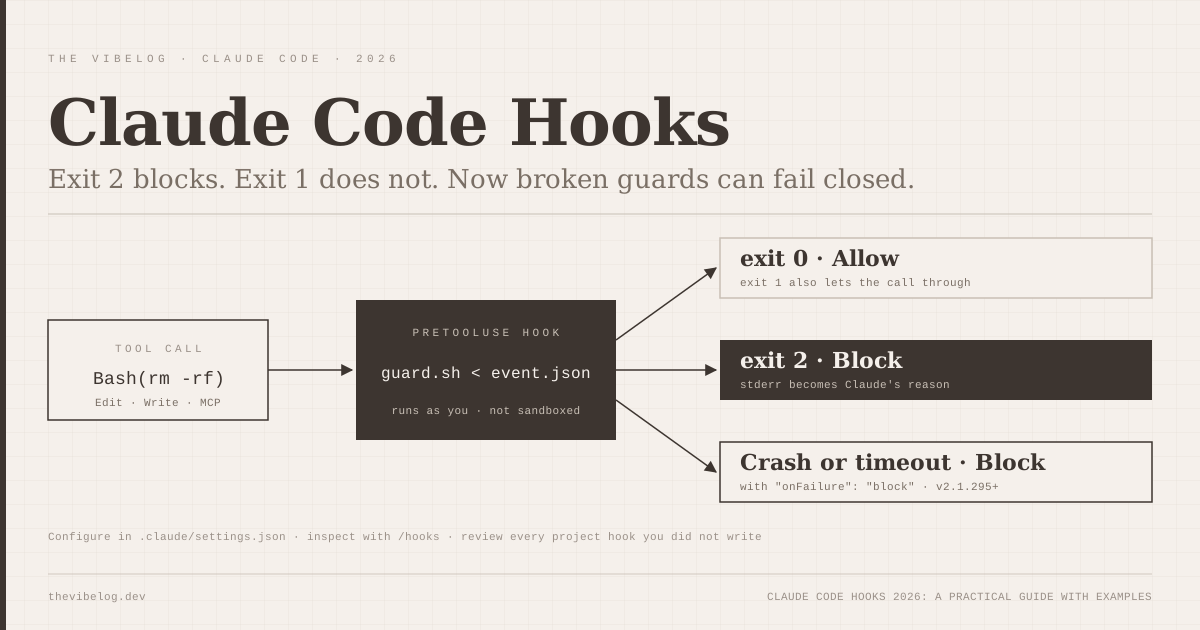
That network model is the strictest default in this table. The gap is Windows: per the Claude Code sandboxing docs, “On native Windows, Claude Code runs commands unsandboxed.” You need WSL2 for isolation today. The sandbox also covers shell commands only, so Claude’s file tools, MCP servers and hooks run outside it, much like Copilot’s file tools.
Claude Code is on Microsoft’s list of agents “releasing support” for MXC, with no date. When it lands, native Windows users get a real sandbox. Until then, I would run Claude Code inside WSL2 on any Windows machine that touches untrusted repos.
Google’s Antigravity has also been closing this gap. Its changelog shows file and network sandboxing arrived on Windows in v2.15.1 on September 19, about ten months after launch. The background on its agent design is in how Google Antigravity works.
How to Sandbox Your Own Agent With the MXC SDK
If you are building an agent, or a tool that runs model-generated code, the Node SDK is the fastest route. Install @microsoft/mxc-sdk from npm. This is the quick start from the MXC README:
import { spawn, type ContainerRequest } from '@microsoft/mxc-sdk/v1';

const request: ContainerRequest = {
  command: 'node -e "console.log(\'hello from container\')"',
  network: { egress: { default: 'deny' } },
  timeoutMs: 30_000,
};

const child = await spawn(request);
The request runs a command with all network egress denied and a 30-second timeout, on whichever default backend your OS has. That is the right starting posture for model-generated code: deny everything, then add only what Learning mode shows you need.
Two warnings from the README are worth repeating. The wxc-exec.exe --audit flag turns off all sandbox security for access-denied analysis, so never use it on untrusted code. And building from source needs Rust 1.93 and Node.js 24 or later, though you do not need to clone the repo to use the SDKs.
If your agent talks to databases or local files through MCP, sandboxing the process is only half the job. The other half is giving each server the least privilege it needs, which I walk through in the guide to securing private MCP servers.
What MXC Still Lacks
MXC is GA, but parts of the story are still marked “coming soon” in Microsoft’s own post:
- Intune policy for MXC process containers on Windows 11
- Microsoft Entra attribution that separates agent activity from the signed-in user
- Agent 365 controls for managing and monitoring local on-device agents
For enterprises, that means the containment works today but central management does not yet. Microsoft also notes that governance at scale “may require additional services,” which reads like a future licensing line item.
And as eSecurity Planet points out, a listed integration does not guarantee every feature of that agent runs inside an MXC container. Copilot’s file tools are a good example.
Should You Use Microsoft Execution Containers?
If you use Codex or Copilot on Windows, you already can. Turn on prefer_mxc or /sandbox and move on. There is no reason to run either agent unsandboxed on a Windows machine in late 2026.
If you use Claude Code on Windows, use WSL2 and enable the sandbox until native MXC support ships. The broader AI coding agent security picture this year, from GitSpawn to Plugin4Shell, says background agent actions are where the real damage happens.
If you build agents, MXC is the most practical cross-platform sandbox SDK I know of: one schema, MIT licensed, with Windows backends nobody else offers. The policy-outside-the-agent design is the right one, and with Microsoft, GitHub and OpenAI on board, it is likely to become the default on Windows.